
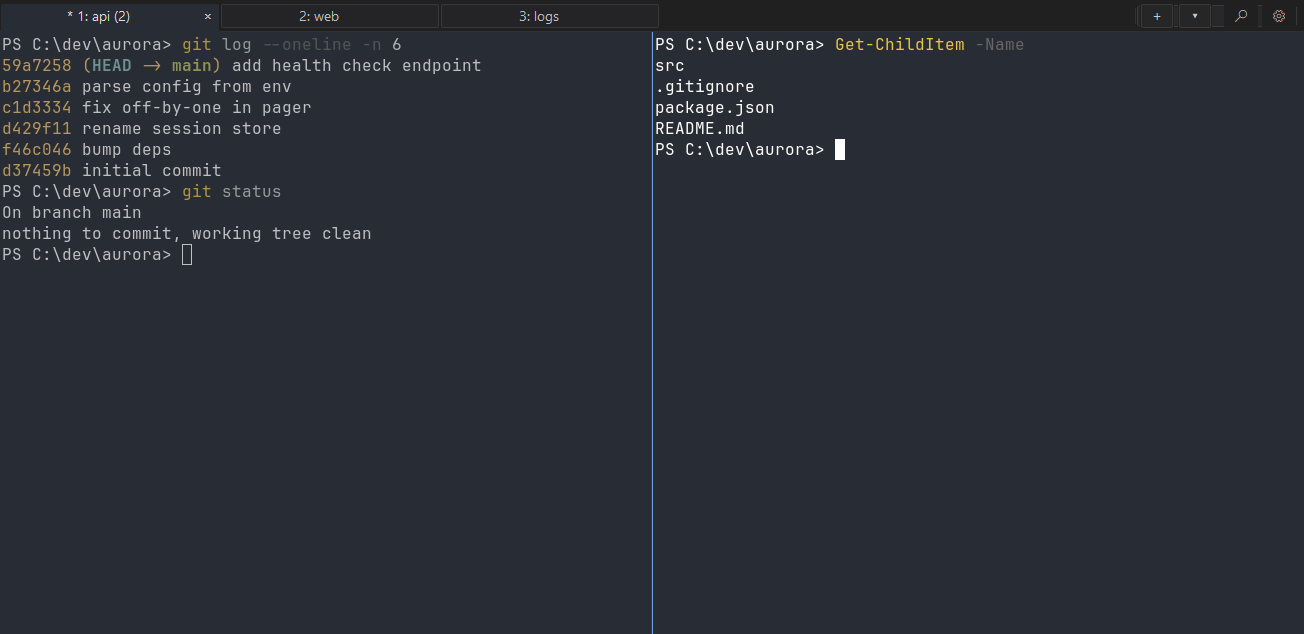
Every action is one search away
Press Ctrl+Shift+P and type. The command palette reaches every action by name, so you never have to memorize a menu.
- New tab Ctrl+Shift+T
- Split right Ctrl+Shift+\
- Split down Ctrl+Shift+E
- Move between panes Alt+Arrow
- Find Ctrl+Shift+F
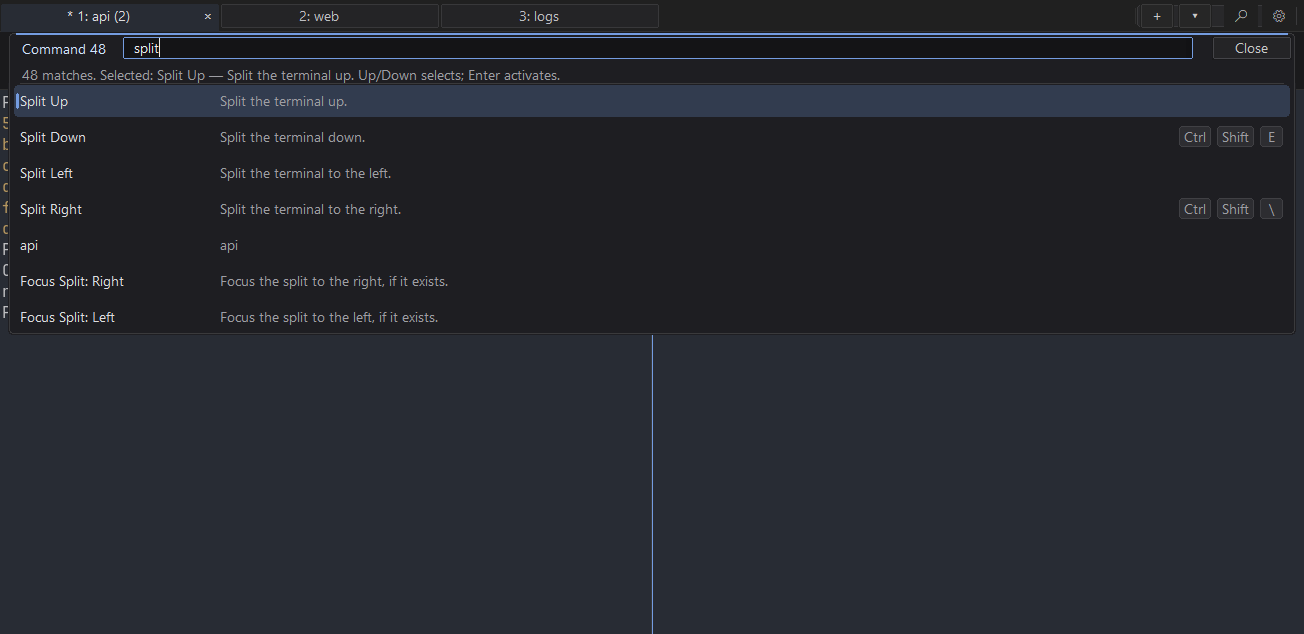
A native Windows app with Ghostty's core
Your shells, found for you
PowerShell 7, Windows PowerShell, cmd, Git Bash and every WSL distro, with no setup.
Sessions that survive a restart
Windows, tabs, splits and working directories all come back.
Modern terminal protocols
Kitty graphics and keyboard protocols, inline images, OSC 52 and bracketed paste.
Paste that works for AI tools
One line makes Ctrl+V paste text, files and images. Use it with Claude Code.
Windows done properly
Per-monitor DPI, IME input, jump lists, toasts and an "Open Najm here" menu in Explorer.
No telemetry
The only network call is the update check, and you can turn that off.
Configure it in a text file
Najm uses Ghostty's config syntax, so most options and hundreds of themes work as they are. Press Ctrl+Shift+, to reload.
Coming from another terminal? See how Najm compares to Windows Terminal or how it relates to Ghostty.
font-family = JetBrains Mono
font-size   = 12
theme       = Dracula
command     = pwsh

# Ctrl+V pastes text, copied files and images
keybind = performable:ctrl+v=paste_from_clipboard
Questions
What is Najm?
Najm is a free, open-source terminal emulator for Windows 10 and 11. It is a native Win32 app built on Ghostty's terminal core, with tabs, splits and session restore.
Is Najm the official Ghostty for Windows?
No. Najm is an independent project built on Ghostty's open-source core through Noctty. It is not affiliated with the Ghostty or Noctty projects. It reads Ghostty's config syntax, so most options and themes work as they are.
Is Najm free?
Yes. Najm is free and open source under the MIT license, with no account and no paid tier.
Why does Windows show a SmartScreen warning?
Najm signs its builds with its own certificate, which Windows does not know yet. Click More info, then Run anyway. You can check the download against the published SHA-256 sum first.
Does Najm collect telemetry?
No. Najm sends no telemetry. Its only network call is the update check against the project's GitHub releases, and you can turn that off.
Will Najm replace Windows Terminal?
Only if you want it to. Najm installs side by side with Windows Terminal and never touches its settings, so you can try both.